Tables
Rows of one type, titled by an anchor column and known by id.
A table holds rows of one type. Every table starts with one column, a Text column named "Name" flagged as the anchor.
An artifact's tables
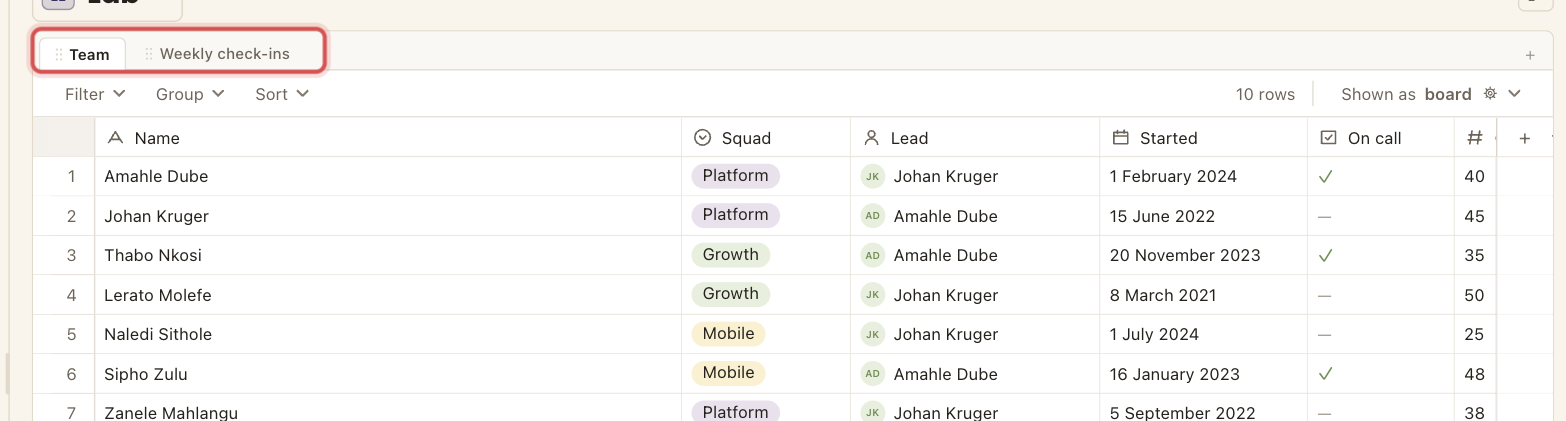
An artifact usually holds several tables. They sit as tabs across the top of the pane, and the active one is highlighted. Clicking another tab switches to it. A tab's menu renames it, moves it left or right, or moves it to the trash. Each tab is one table with its own columns and rows, and a link is what joins them.
The anchor column
Every table has exactly one anchor column, the column that titles each row.
One per tableruleIdentity, not positionruleCannot be deletedruleAlways firstruleThe anchor is a Text column by default. It is what a link shows when it points at this table, and what a group header reads.
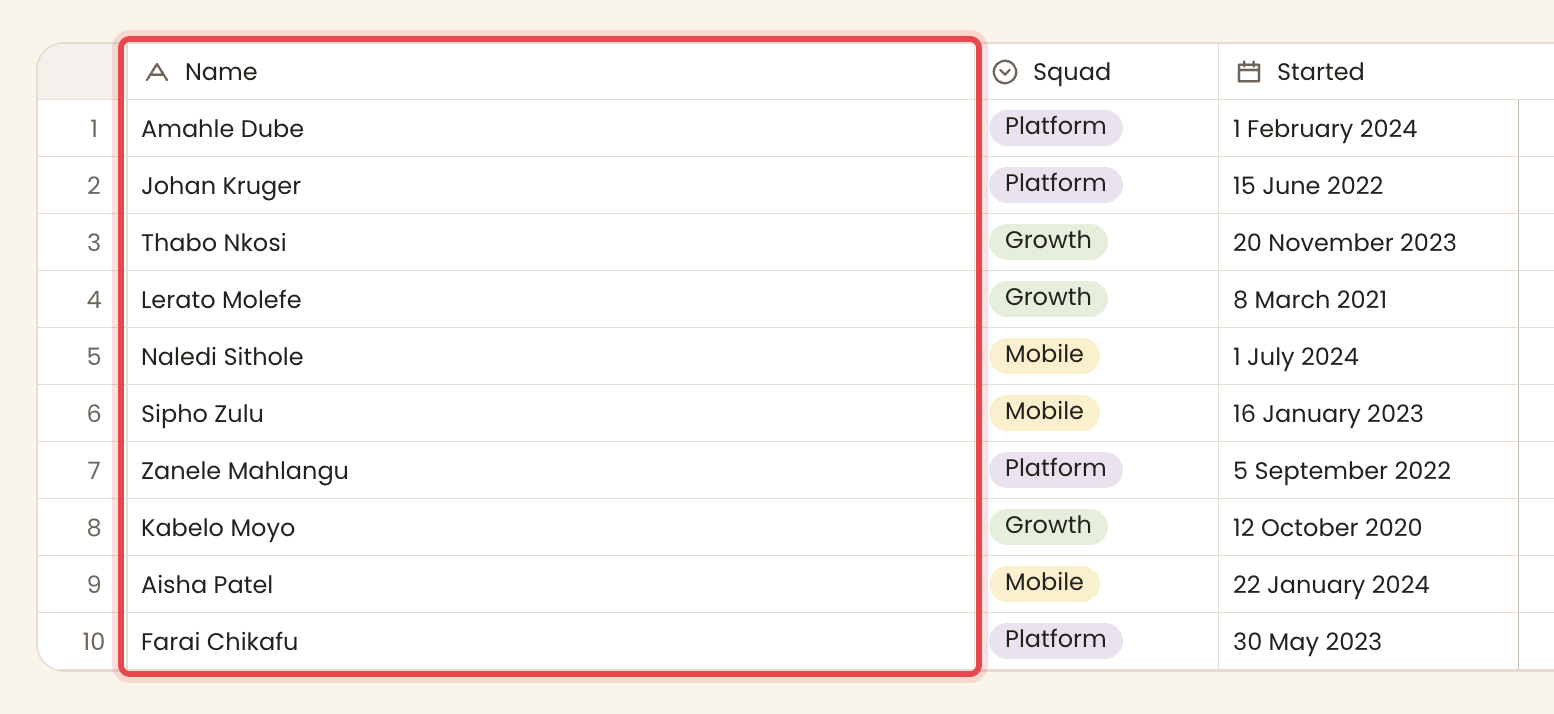
The anchor is a table's title field. One designated column names each row and stands in for it wherever the row is referenced, in a link cell, a rollup, a group header, or a search result.
Rows are referenced by id
A name is a label. The id is the reference kept and used by the system. Rename a table, a column, an option or a row and every link, rollup and view still holds, because none of them were bound to the name.
Formulas and dashboard cards are the exception. A formula names its columns and tables by name, so renaming a column or a table that a formula reads means updating the formula to the new name. Until then the formula shows an error.
Reading a table
A table is shown through a view, which chooses the columns, order, grouping, sort and filter. One table can have many views.
Tables do not stand alone. A link joins one to another, and a rollup reads back across that link. Those come next.